
Prospice
Released:
Coming 2026
Genre:
Action, Adventure, Indie, Simulation
Developer:
Code Wakers
Social:
Overview:
Venture into the heart of a forbidden land where roads end and corrupted dreams bleed into reality.
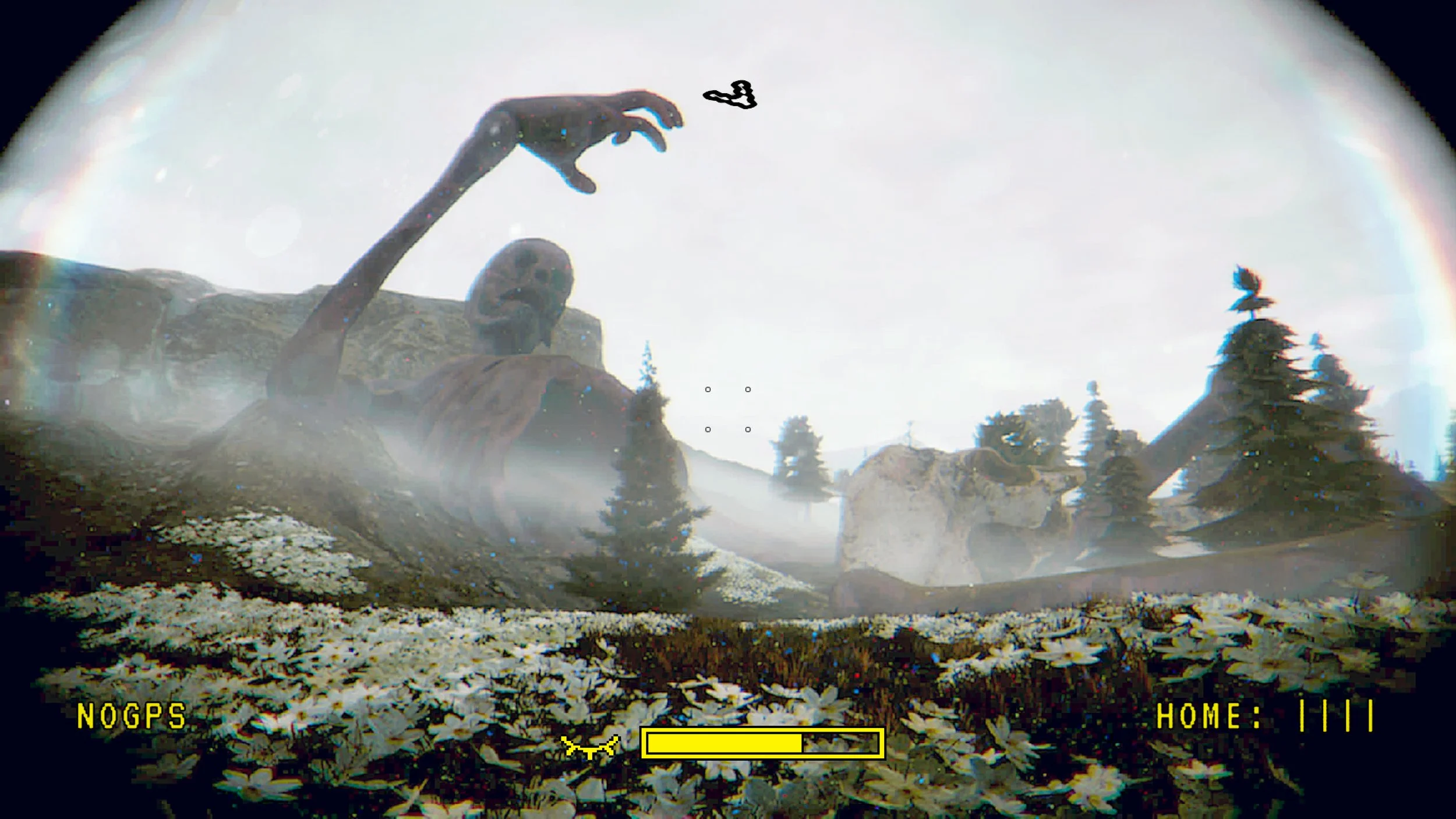
Beyond broken trails and untamed terrain lies a place where the world itself unravels - an island cursed by the corpses of ever rotting gods. Uncover the story of humankind's ancestry on your expedition for occult knowledge.
You are not just a driver. You are a pathfinder, a witness, a courier of forgotten truths, and a trespasser in a place where remnants of humanity’s original sin still fester. What you carry is more than supplies: it's survival, knowledge, and perhaps the key to awakening something that should remain buried.
AVAILABLE ON PLATFORMS:

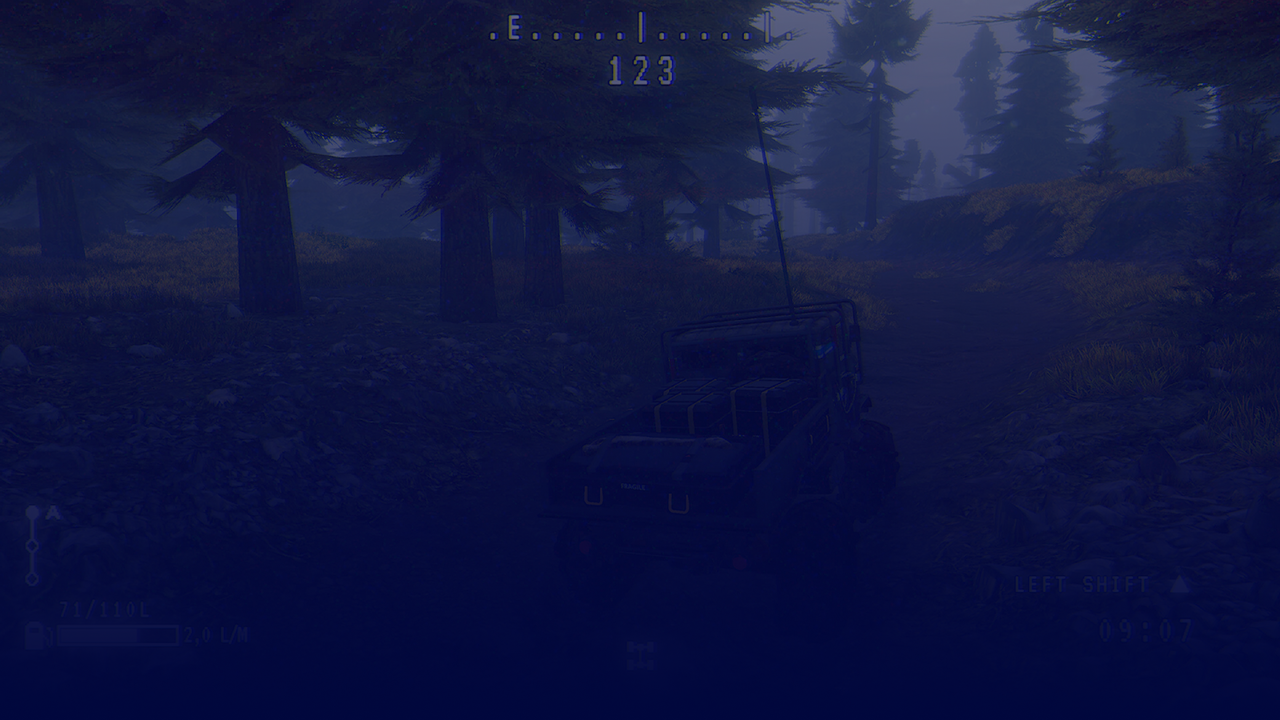
We Don’t Need Roads
As you complete missions and explore the world in Prospice you’ll quickly find that there are no clear roads to your destination. You’ll be facing at best the muddy tracks of those who’ve driven before, and at worst you’ll be driving off road into the wild, perhaps the first human to discover the sights you uncover — or at least the first to return.
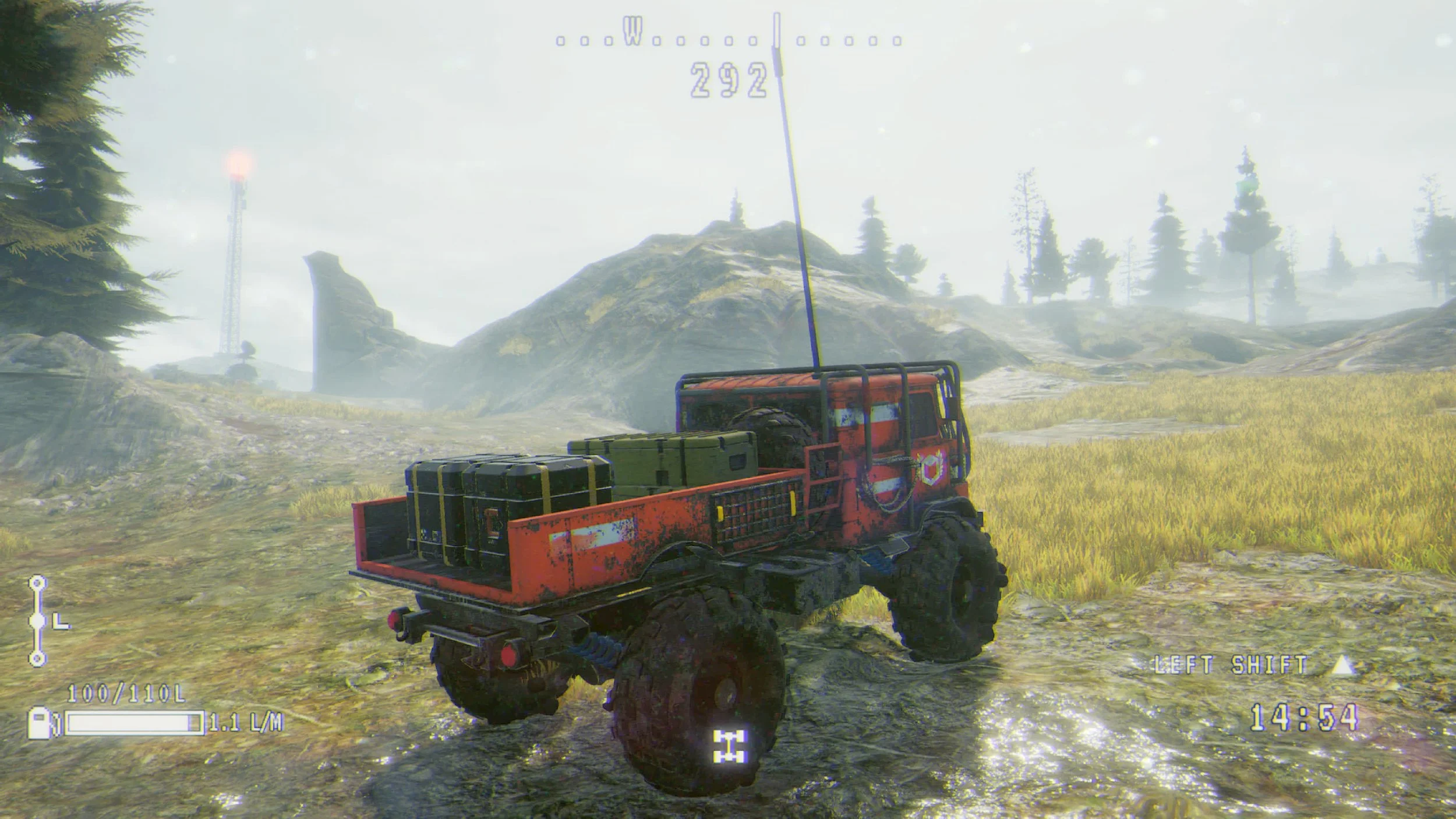
Tools and Upgrades
You’ll start at the beginning, with a basic truck and a rough idea of how to get where you’re going. But as time goes on, as you discover more on the island, you’ll find you’ll need more tools to get where you’re going. Things like nav spires to help find yourself when you’re offroad; a more powerful engine to help with the really steep inclines; or a winch when pure driving power isn’t enough.
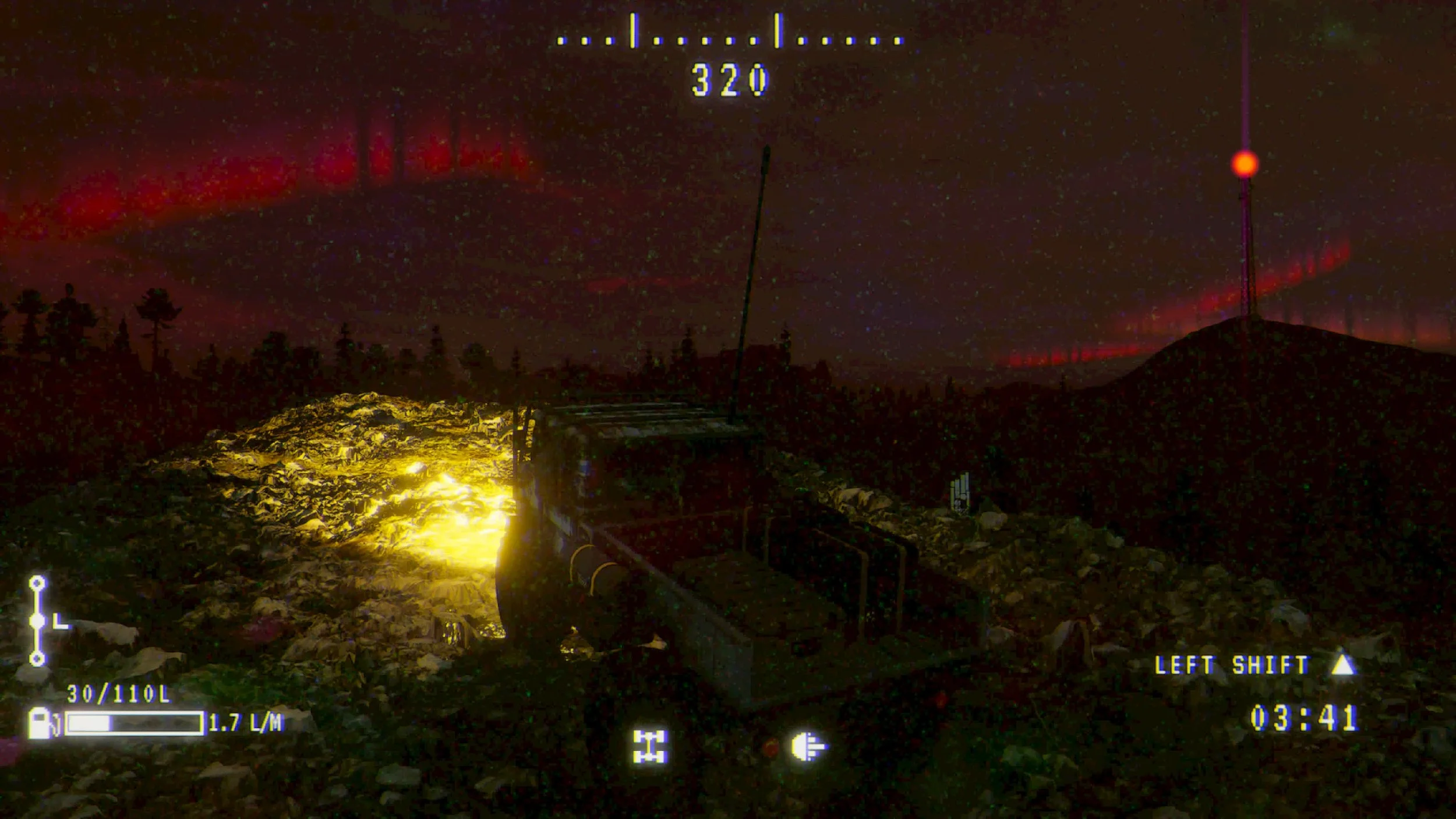
Behind the Wheel or on Foot
Your truck is of course a central focus of Prospice, and you’ll find it can be a little dangerous to wander too far from it. But equally, some places just aren’t built for vehicles, and you’ll have to brave them yourself. Whether that’s the depot, to rest and get new missions, or an underground complex hiding secrets that perhaps are best left buried…
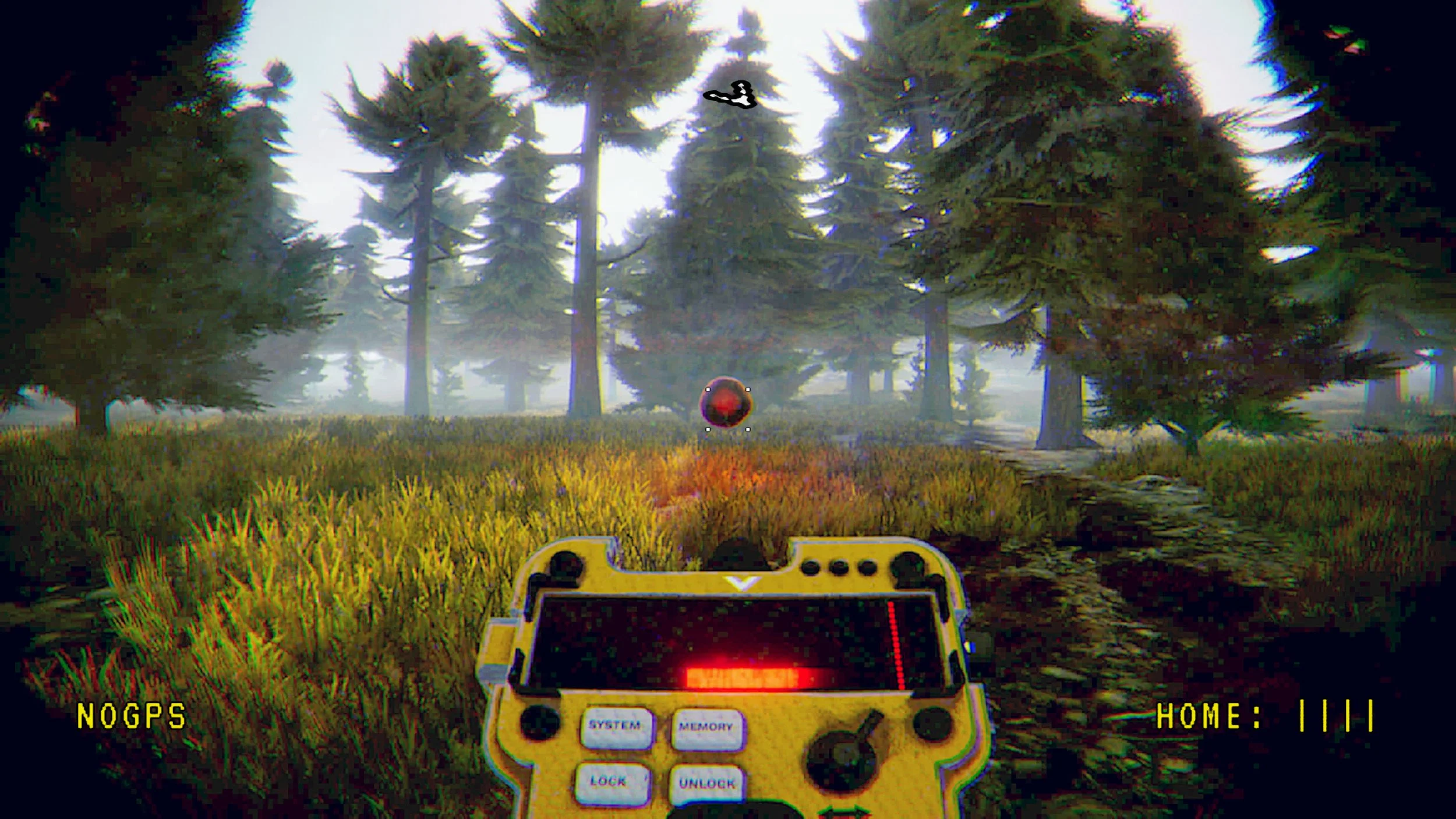
Dangerous Mysteries Await
Of course, with all this being said, there are consequences to exploration. Some things are not friendly, and don’t wish to be disturbed. And you may find that if you’re not careful, the island hides more dangers than difficult terrain. A drive in the dark of night with no-one else around is exactly how many of your predecessors went missing, never to return…
Screenshots
Only deep, smart & replayable games.
At Forklift, we like to invite our fans behind the scenes of game development. We share early builds, collect feedback and invite to our events
Subscribe to stay in the loop: